

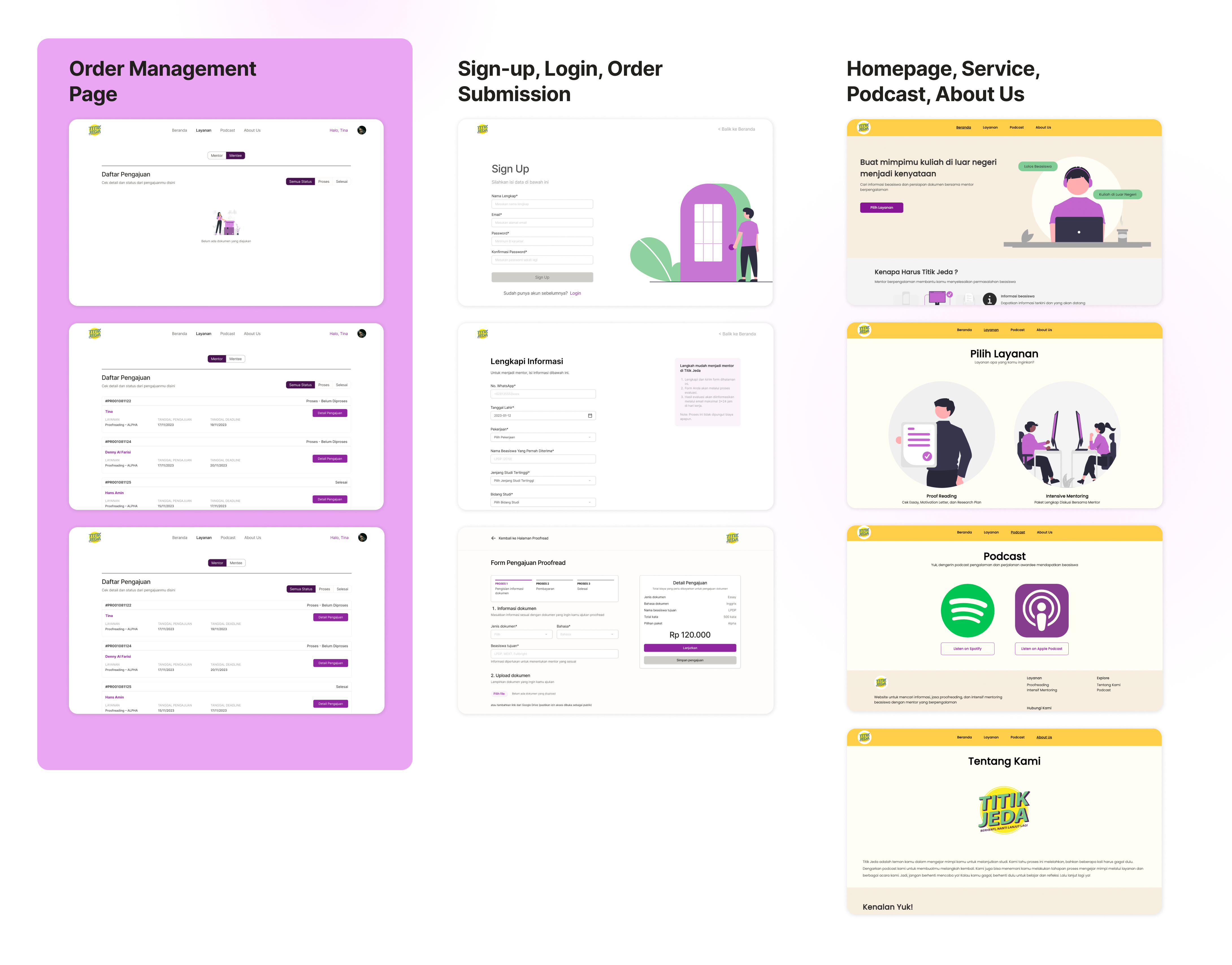
As of now, Titik Jeda's website doesn't have an order management feature. Therefore, as part of our product roadmap for this year, we aim to streamline the previously manual order management process.
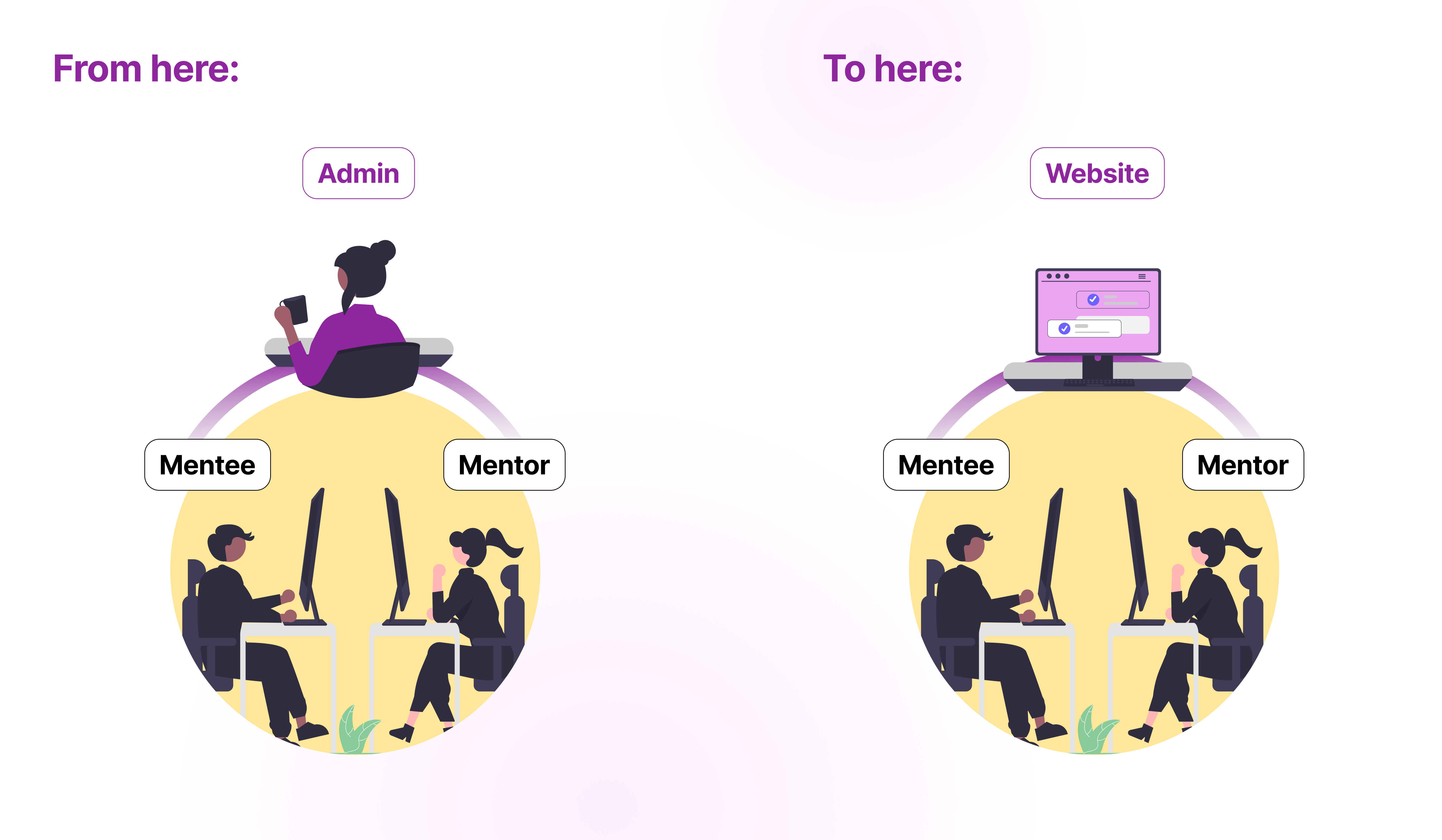
Titik Jeda is a startup company that aim to help Indonesian scholarship hunters (we pronounced them as "mentee") with proofreading and mentoring services.
Titik Jeda's design team (Denny Al Farisi and me) has continued on designing the order management feature.
Conducting an interview with the admin who has extensive experience in manually managing these orders is crucial, as the order management feature aims to benefit mentees and mentors. Our focus on a single objective has resulted in the following findings:
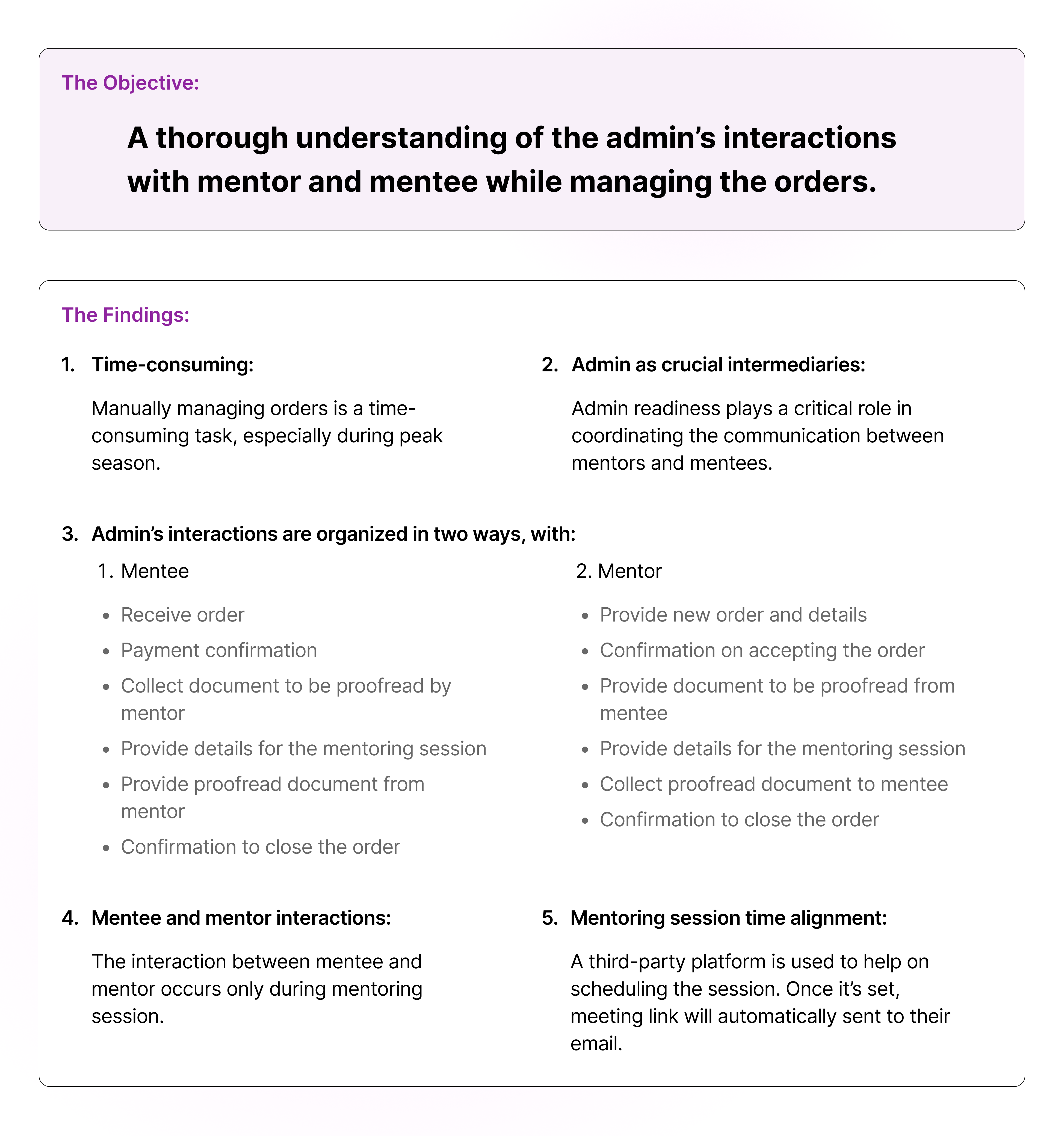
In conclusion, our findings reveal that:
Manual order management is a time-consuming and labor-intensive process that relies heavily on human involvement. Nevertheless, there is potential to automate the process.
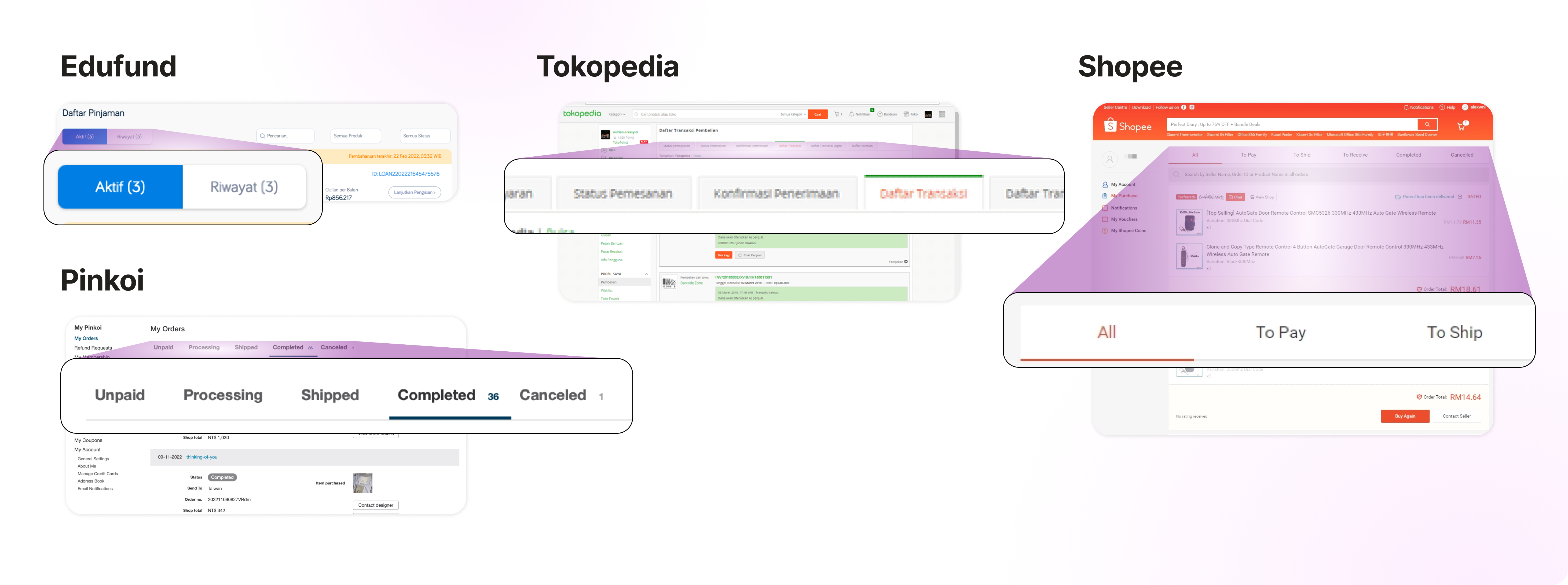
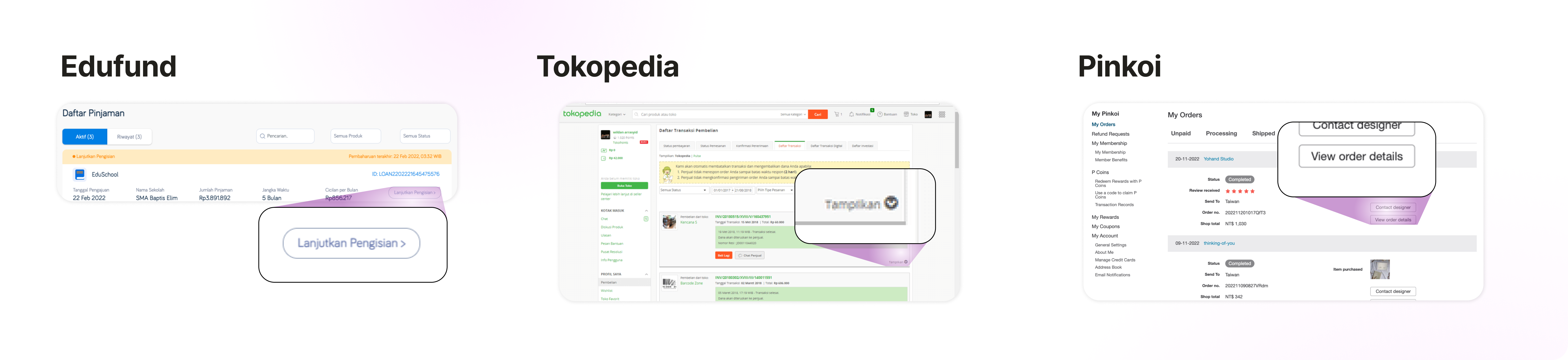
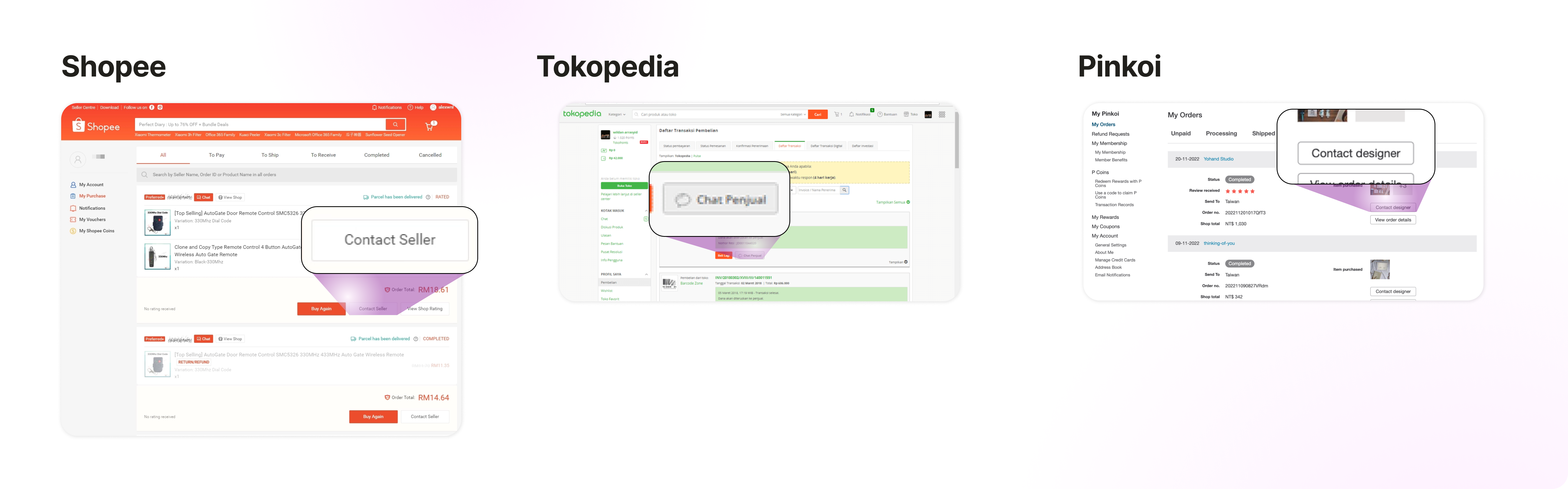
Since we don't have the feature yet, therefore we're looking for references from other companies.
From here we noticed that:
Two user flows have been created - one for Mentors and one for Mentees. The user flows visualize the process from Mentee submits an order/Mentor receives the order, until the order is completed.
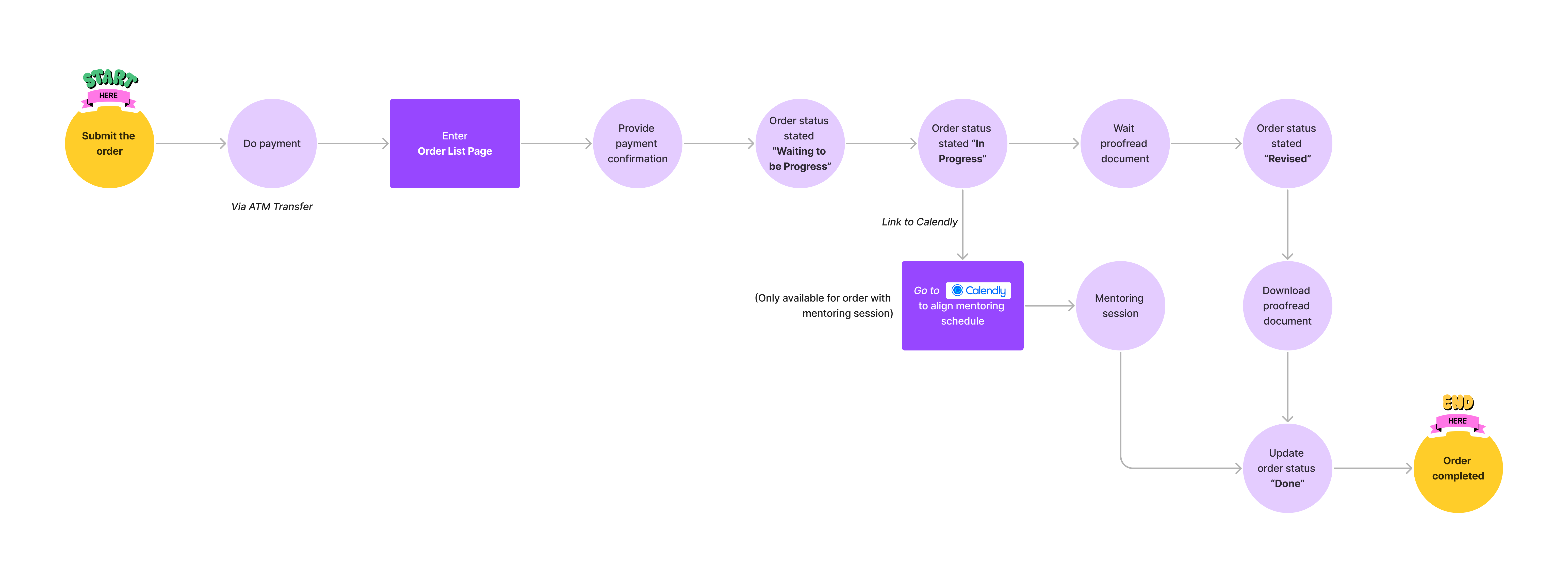
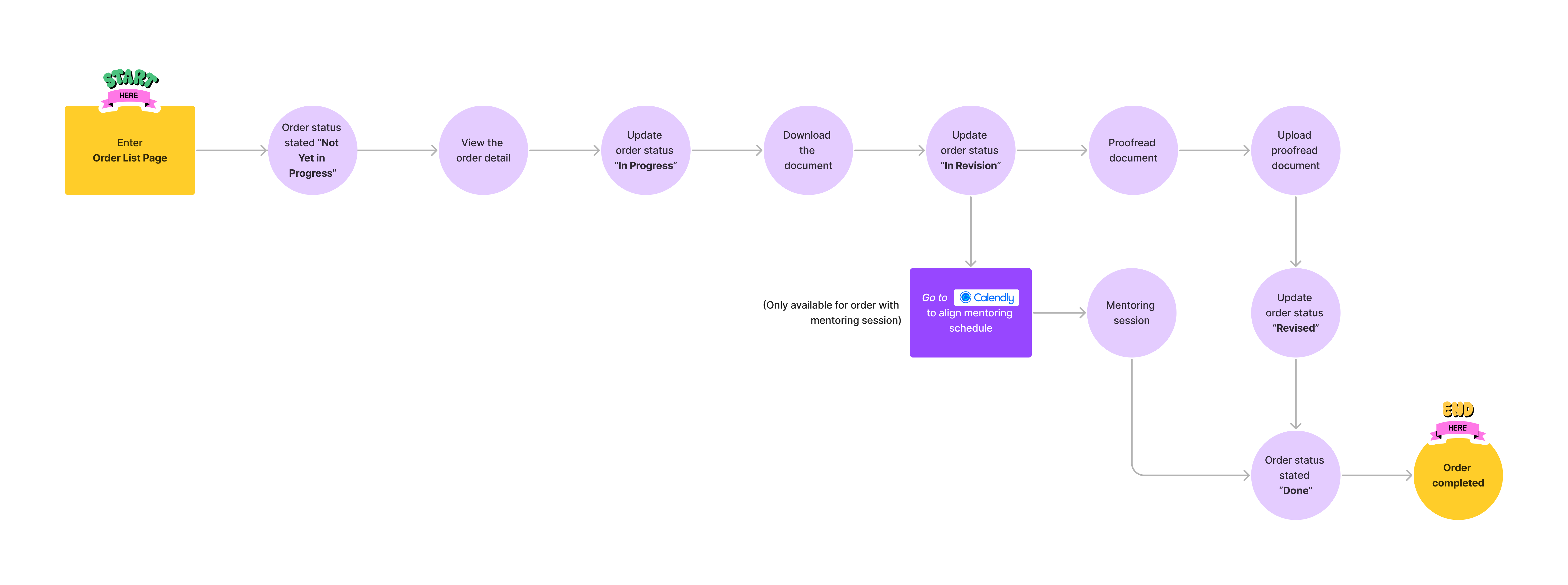
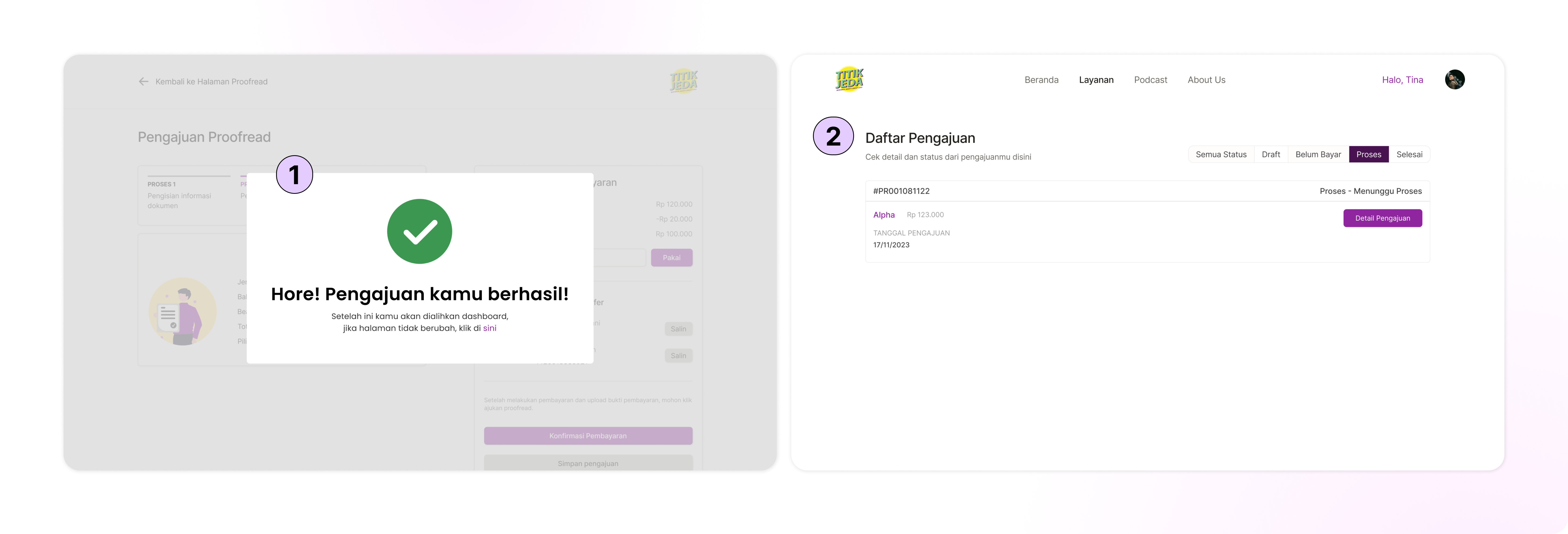

As visualized in the user flow & considering the order process, order status is categorized to ensure clear communication and tracking of the orders as above.

Role Switcher
In Titik Jeda, mentors have the ability to act as both a mentor and a mentee. To facilitate this process, we propose to add a switch tab (Mentor/Mentee) on the Mentor's order list page.
Update The Order Status
Both mentors and mentees have the ability to update the order status. Mentors can update the order status as either in revision or revised, while only the mentee can update the status to 'done' once the order is completed.

The prototype for order management can be viewed in the video below.